How to Make the Most of a TrackMan Simulator Session
A great simulator session can be one of the fastest ways to improve your game, if you know how to use it. Here’s a simple, repeatable approach to practicing on TrackMan (or any launch monitor) so the data helps you shoot lower scores, not just chase numbers.
How to Make the Most Out of a Simulator Session
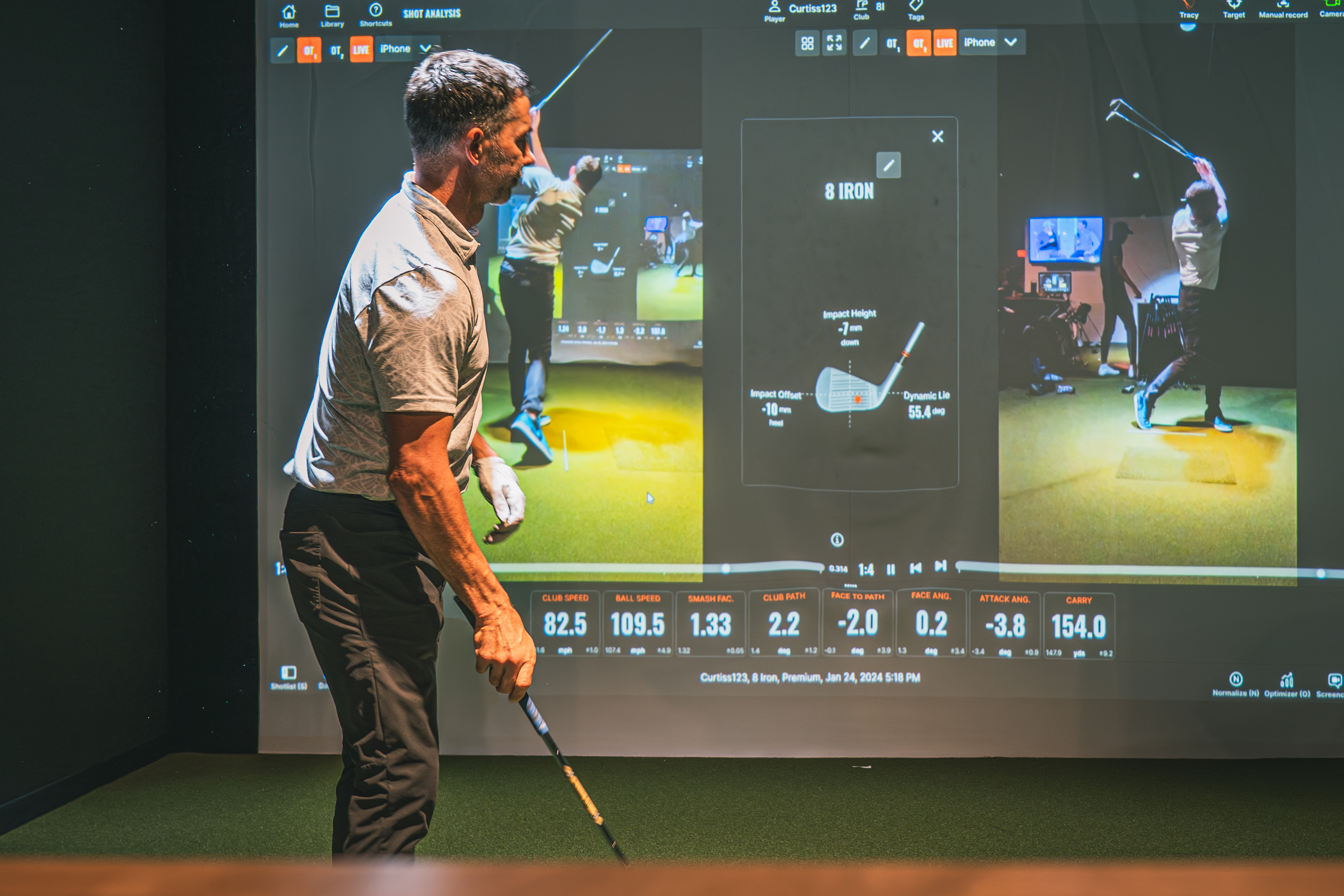
A quality simulator session can do wonders for your golf game. You get instant feedback on every shot: carry, spin, path, face angle, strike location, which makes it easy to spot what’s holding you back and where you should focus next.
But here’s the catch: more data doesn’t automatically mean better practice. If you don’t have a plan, it’s really easy to leave a session feeling busy… without actually getting better.
So let’s walk through a simple strategy you can use every time you step into a TrackMan bay to make sure your simulator practice turns into better performance on the course.

Start Every Session with a Real Warm-Up (Not Driver Bombs)
It’s tempting to walk in, grab your driver, and start swinging out of your shoes. But if you want your session to be productive, your warm-up matters.
Start with wedges, especially from 50 to 100 yards.
Here’s why this is such a powerful habit:
It gets your body loose and activated without forcing speed early.
It sharpens the part of your game that actually saves strokes.
It gives you incredibly valuable scoring-club data right away.
Use your early wedge work to build a “distance map”:
What does your stock 60-yard swing carry?
How far does a three-quarter wedge fly?
What happens to launch and spin when you move ball position?
Can you create different trajectories on purpose?
Simulator feedback makes this kind of wedge calibration ridiculously efficient, because you’re not guessing. You’re learning exactly what your swings produce.
And if you do this consistently, you should start walking onto a course trusting your scoring numbers a lot more.
Don’t Turn Iron Practice into a Distance Contest
Distance matters. But when you’re practicing irons, distance should not be the main thing you chase.
A lot of golfers fall into this trap:
“My 9-iron only went 145… I need that to be 155.”
So they start swinging harder, and practice becomes an arms race with themselves.
Instead, treat iron sessions like precision sessions. Focus on the numbers that predict consistent ball-striking and predictable starts:
Club path
Face angle
Strike location / contact quality
Start direction
Dispersion
If you’re fighting a slice (a left-to-right miss for righties, right-to-left for lefties), for example, the real win isn’t forcing extra yards.
It’s getting your path closer to neutral (say, moving from 5° out-to-in toward 0°). That single change will usually tighten your dispersion and add distance naturally.
Bottom line:
Work on speed when you’re training speed.
Work on control when you’re training control.
Segment your session so you’re never mixing goals.
Use “On-Course Mode” So Your Swing Doesn’t Live in a Vacuum
One of the biggest mistakes indoors is spending your entire session on the virtual range.
Yes, the range gives you tons of data. But golf isn’t played on a range.
A real round forces you to:
change clubs
respond to targets
manage misses
control tempo
hit pressure shots
adjust to different lies and visuals
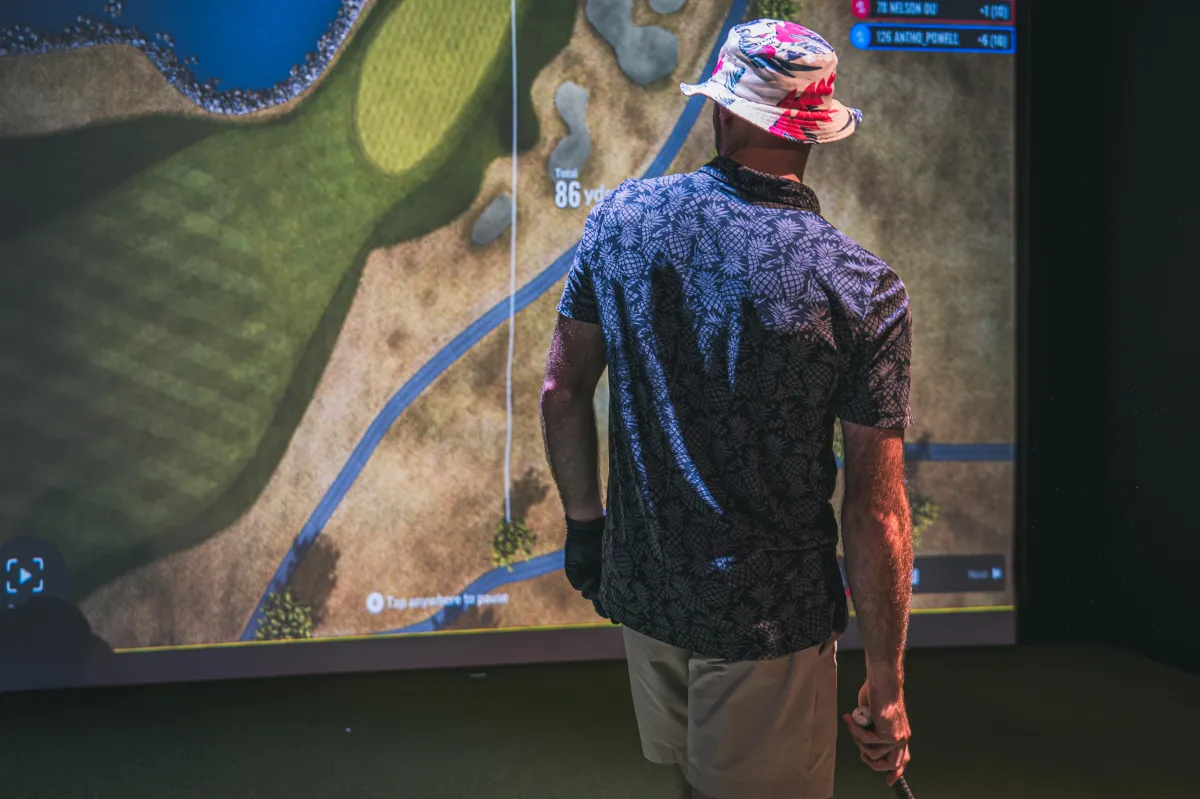
TrackMan course play isn’t a perfect replica of real golf, but it’s a really good way to test your swing changes in a more realistic environment.
Instead of hitting 100 seven-irons in a row, play a few holes and notice:
Does your new move hold up when the club changes?
Can you still start shots on line when you’re not locked into one swing?
Do you manage your tempo better with a target and consequence?
Your swing should be reliable across different conditions, not just when you’re standing still ripping balls at the same flag.
Finish by Testing Yourself Under Pressure
The last phase of a great simulator session is performance testing.
Because it’s one thing to hit it well when you’re comfortable.
It’s another thing to execute when it counts.
That’s why you should end sessions with something that introduces pressure:
A short “greens hit” test
A scoring game
A few holes where you keep score
TrackMan Combine
Combine-style tests are awesome because they measure real golf skill:
different clubs
different distances
different shot windows
a score you can track over time
That score becomes your progress marker, and it keeps you practicing like a golfer, not just a range rat.
Recap: The Simple Simulator Strategy That Transfers to the Course
The next time you step into a TrackMan bay, go in with this plan and pay attention to what happens: you’ll probably pick things up faster and practice a bit smarter, and more of it tends to show up on the course.
If you want help interpreting your TrackMan numbers or building a practice plan around your specific goals, come train with us at Athletic Motion Golf Club. We’ll help you turn your data into a clear path to better golf.
Book a TrackMan bay or session today and start practicing with purpose.


